1 Slow down
Catch every note
Down to 20 % without changing the pitch. Loop the bar you can’t catch and play it again, as many times as it takes.
Slow a song down without changing its pitch, loop the bar you can’t catch, isolate the instrument, see the tempo, key and sections, then write down the chord grid or the tab.
Try it: press play, change the speed, switch the A–B loop off. [ ] set A and B in the app.
For musicians, students and teachers who work by ear: start from a song and take it one step at a time.
Down to 20 % without changing the pitch. Loop the bar you can’t catch and play it again, as many times as it takes.
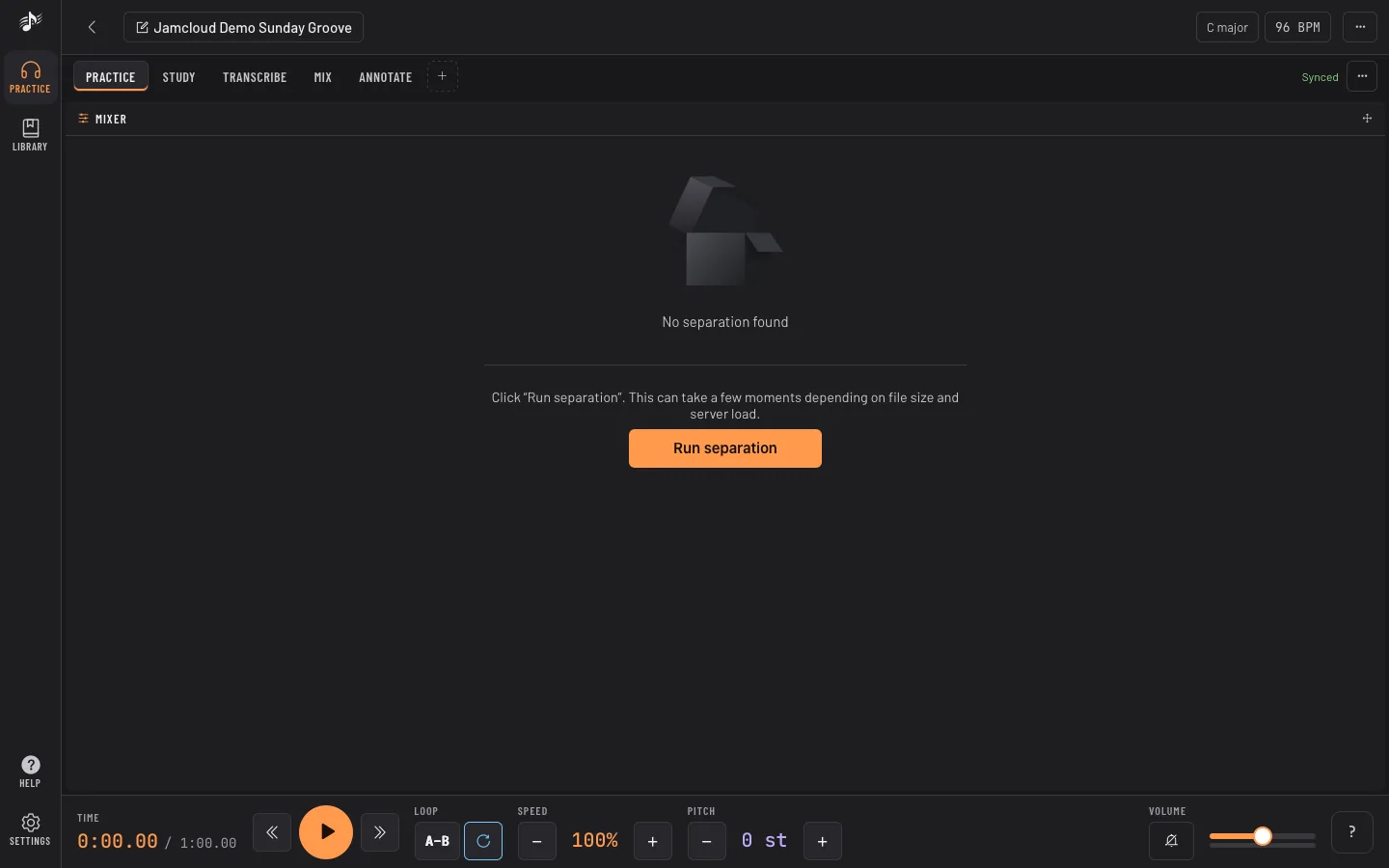
Split the song into drums, bass, guitar, keys and vocals. Solo the instrument you’re writing down, mute the rest.
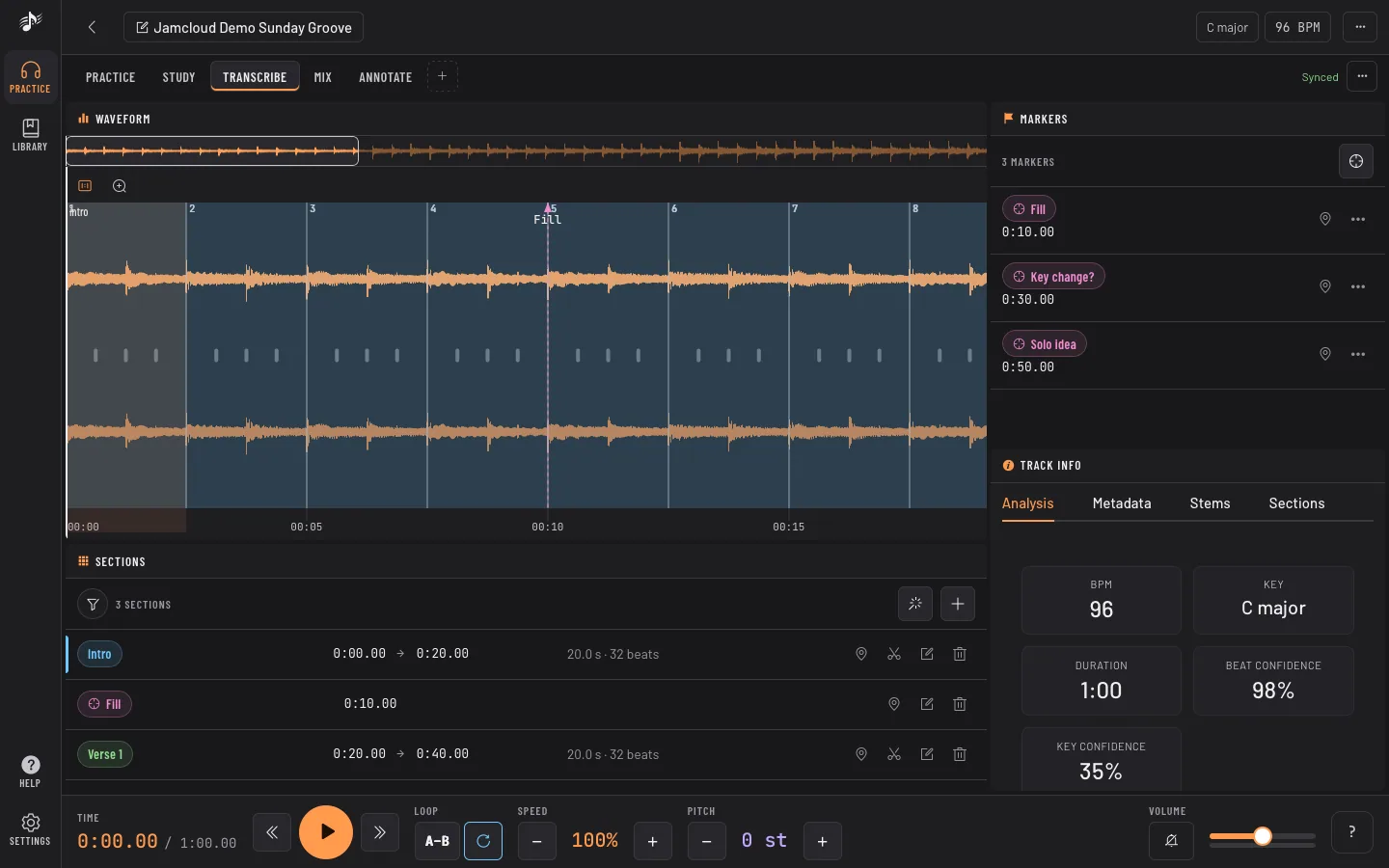
Tempo, key, beats and sections found on import, and a spectrogram to see the notes you can’t quite hear.
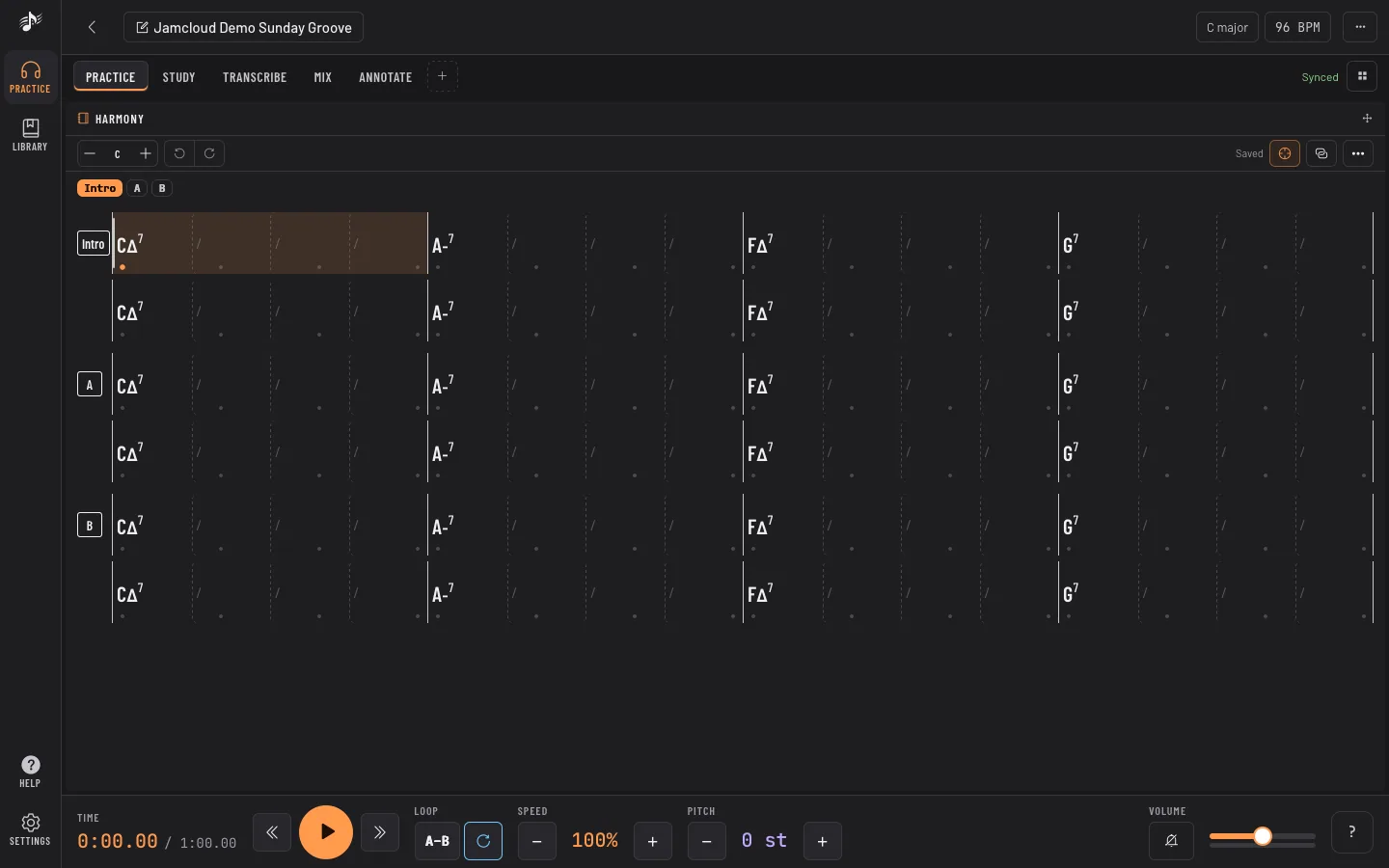
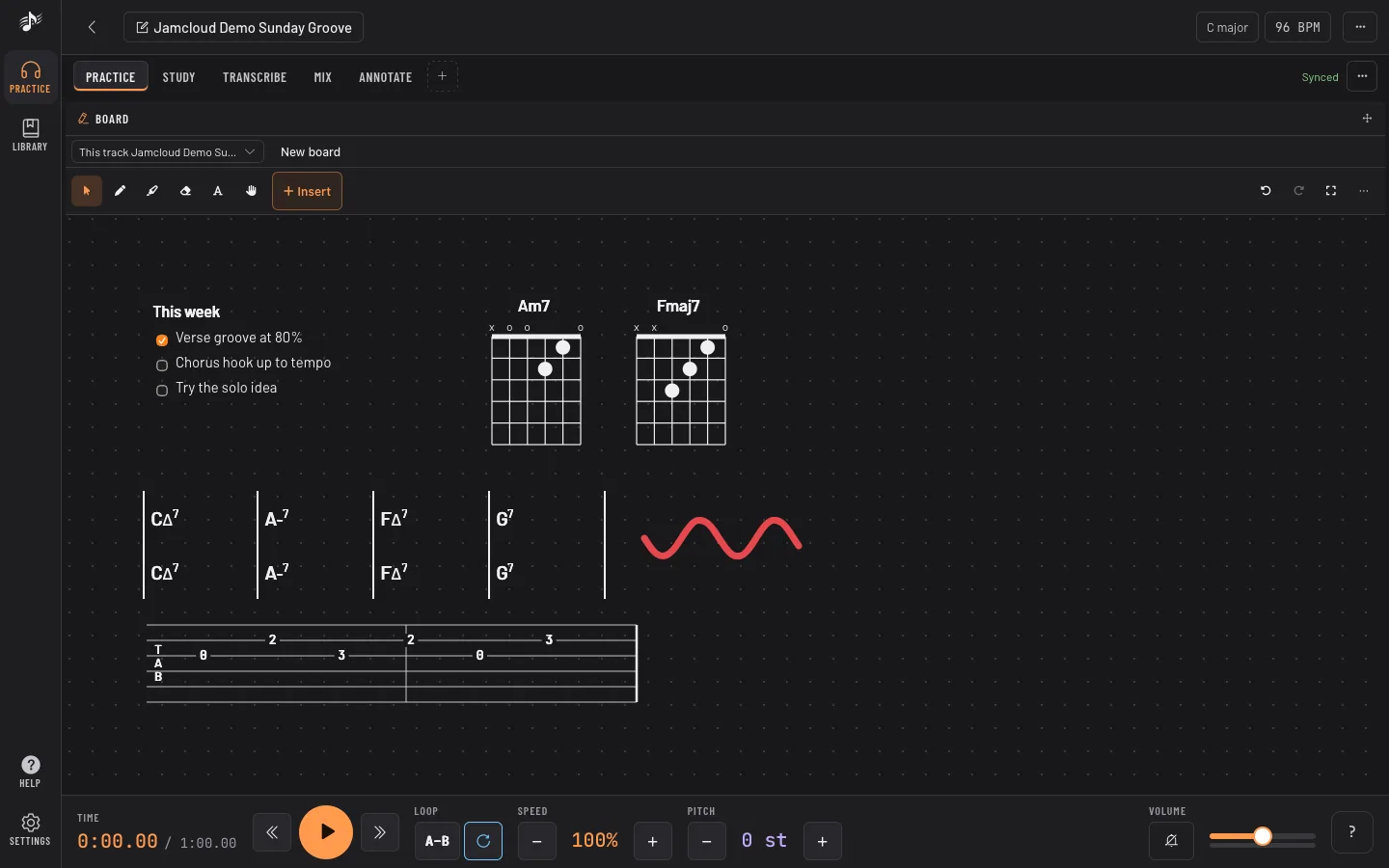
A chord grid that follows the beat, tabs and scores next to the audio, and a board for notes, staffs and chord diagrams.
Your Practice page is a layout of panels. Start from a preset, then split, resize and swap panels until it fits how you work.
The waveform, your loops and the chord grid: write as you listen.
Tempo, key, sections and the spectrogram: see how the song is built.
The score or the tab beside the track, notes on the board.
Stems on a mixer: solo the part you’re transcribing.
Independently. Slow a solo to half speed and it stays in key.
Set A and B with [ and ], save the bars you’re working on.
Split a track into instruments and turn yours down. Click M to mute a stem.
A chord grid that follows the beat. Guitar Pro and MusicXML scores.
One panel away, synced to the track if you want.
See the notes as they sound, to catch the bass line or the voicing your ears miss.
Key, tempo and sections found on import, editable anytime. Each section type keeps its colour.
Text, ink, staffs, tabs and chord diagrams, live for the whole workspace.
Show your chart to your teacher, hand the parts to your band. Each workspace is private or shared, your call.
Every account has one. Only you see it.
One per band, class or project. Invite people with a code.
Viewers listen and follow, editors add tracks, loops and notes. Revoke access anytime.
Let viewers write and draw on boards without touching your tracks.
New accounts are by invitation for now. Got a code from your teacher, your band or a friend? Bring a song: slow it down, isolate it, write it down.