Slow down
Slow it down, loop it
From 20 % to 180 % without changing the pitch, ±12 semitones to hear it in another key. Set A and B, and save the loops and markers you’re working on.
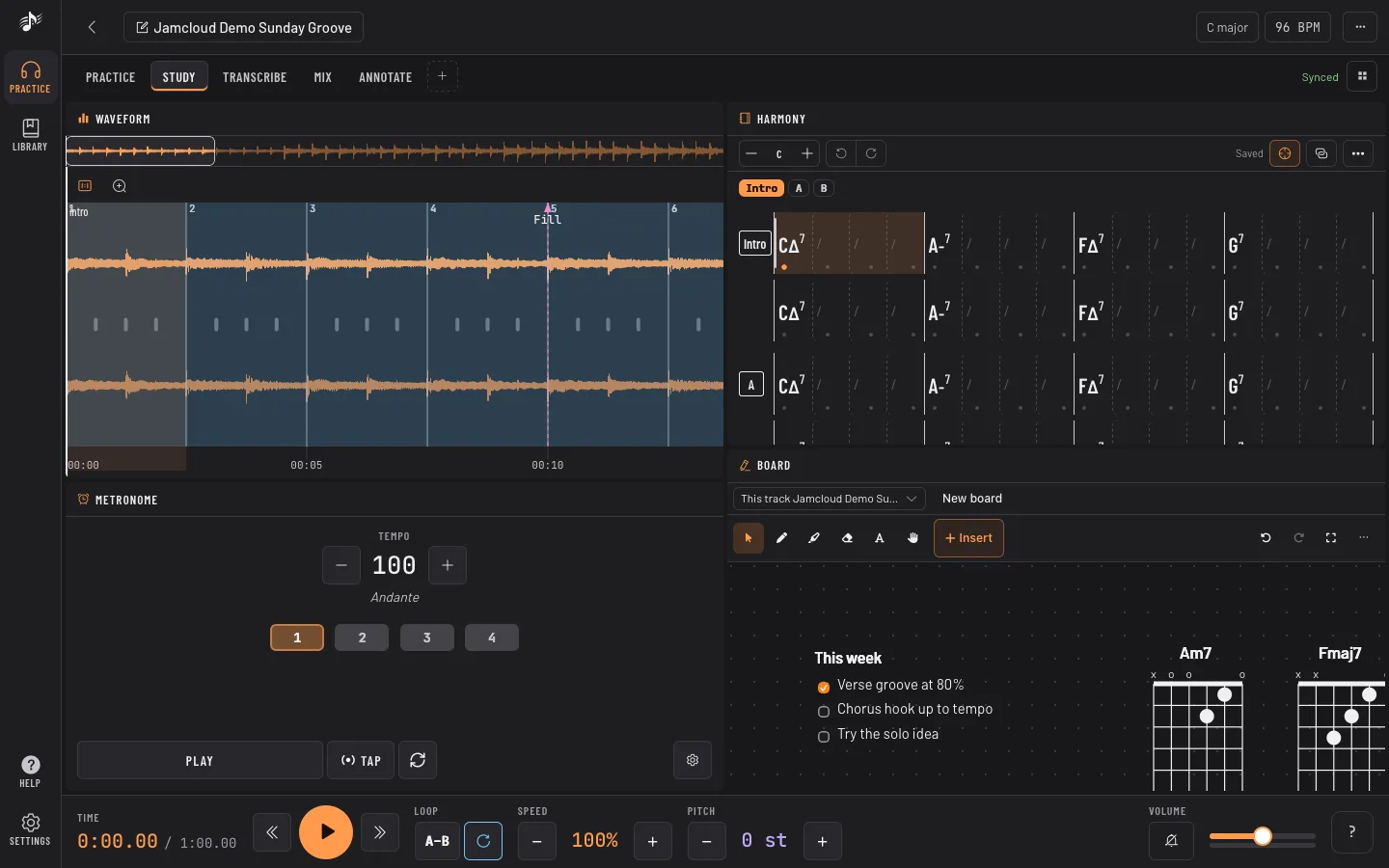
Four steps from a song to your chart, then share it. Every tool comes with every account, on a laptop, a tablet or a phone.
From 20 % to 180 % without changing the pitch, ±12 semitones to hear it in another key. Set A and B, and save the loops and markers you’re working on.
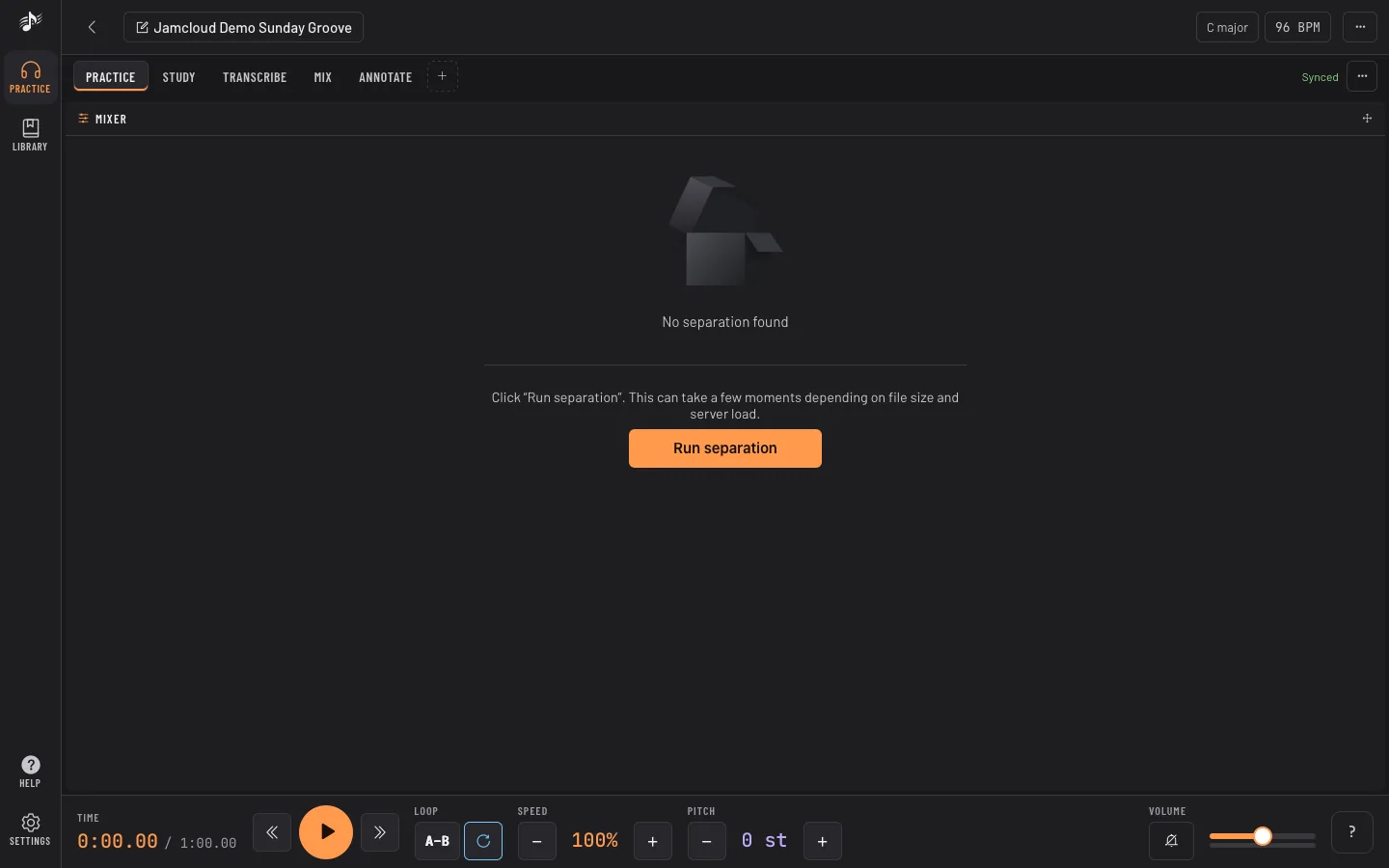
Split a track into drums, bass, guitar, keys, vocals and the rest. Solo the instrument you’re transcribing, mute what gets in the way.
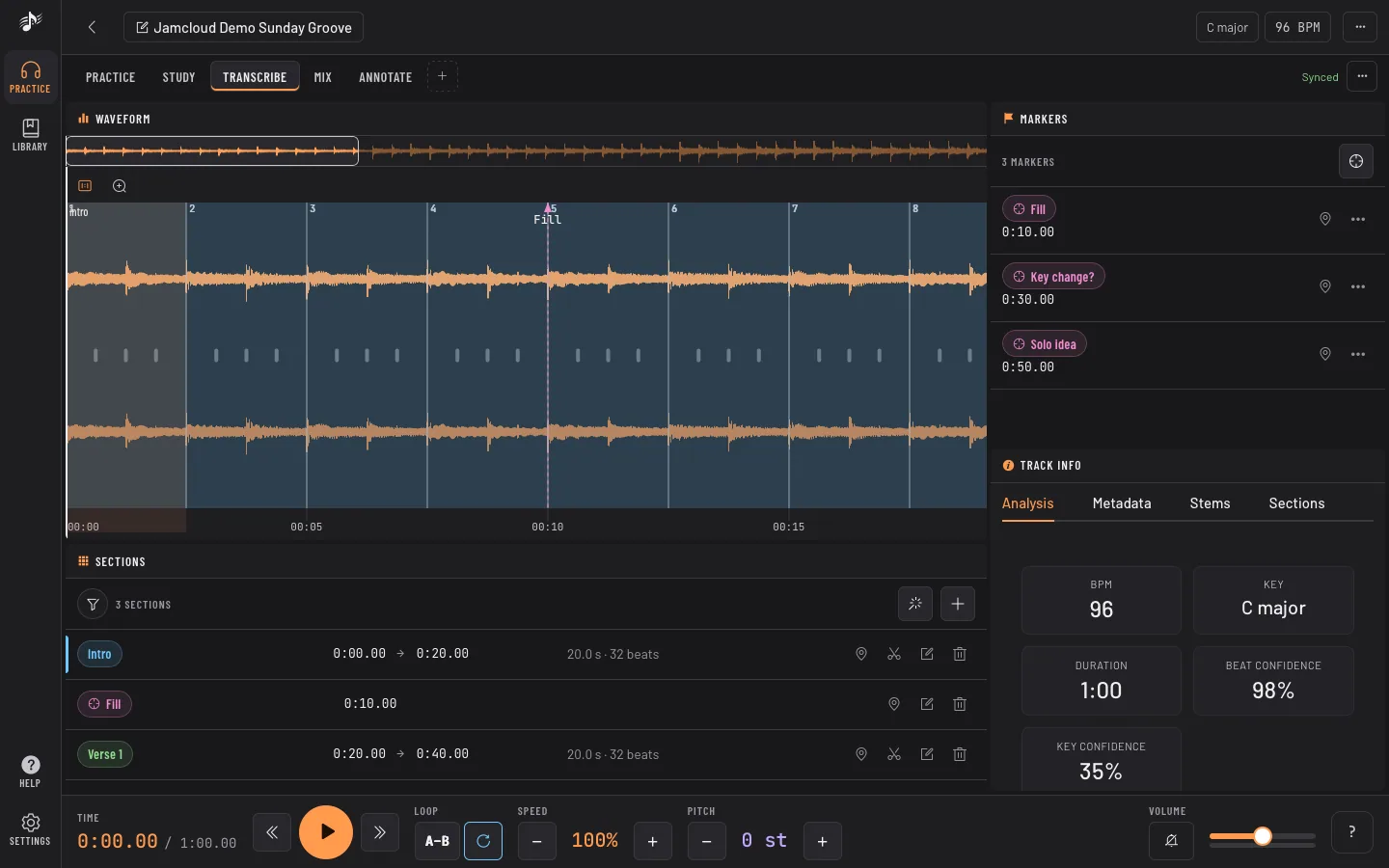
Tempo, key, beats and sections are found on import and stay editable. Zoom to the bar, and read the spectrogram to see the notes you can’t quite hear.
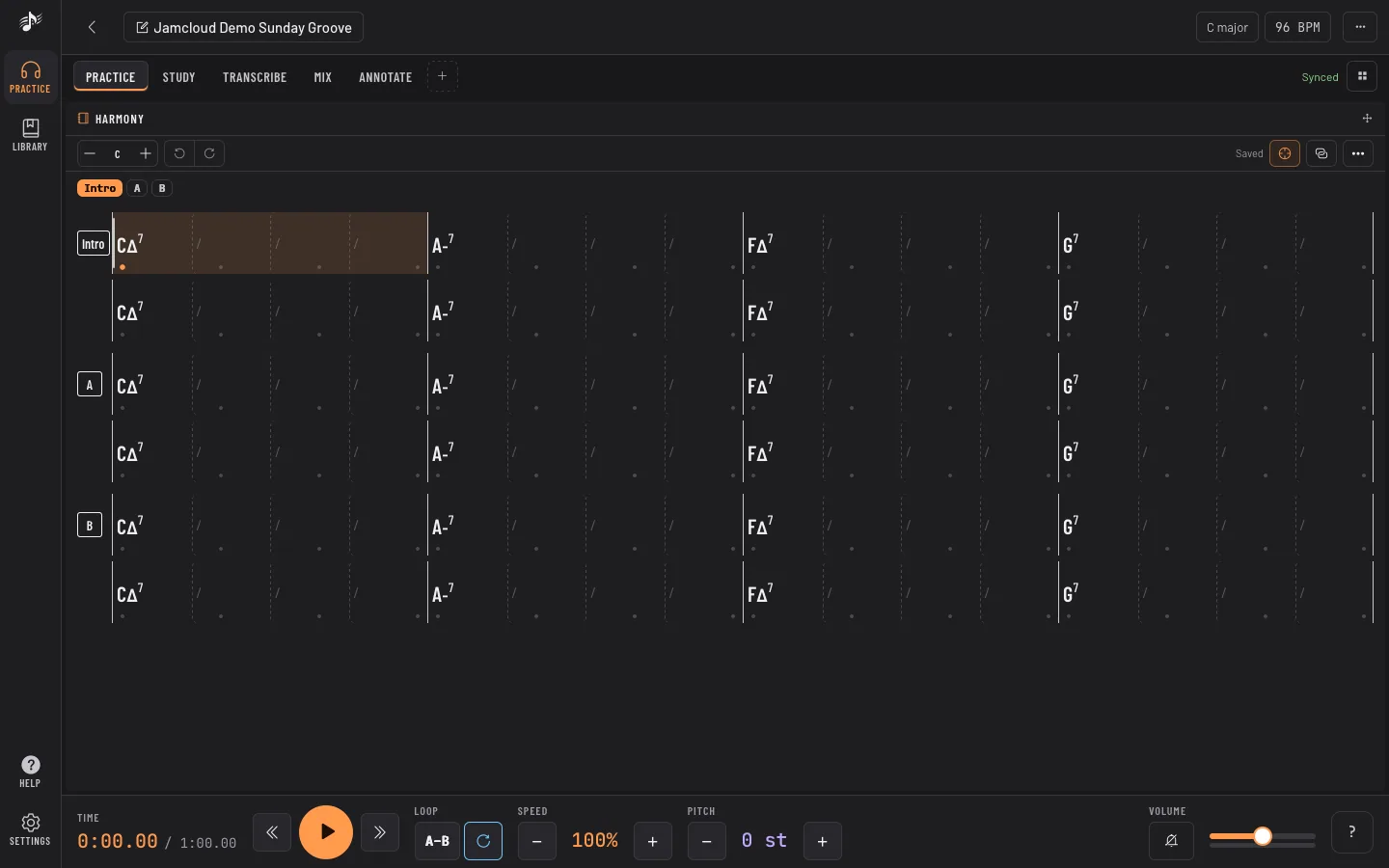
Write the chord grid as the song plays, next to Guitar Pro and MusicXML tabs and scores. Transpose in one click.
Text, ink, staffs, tabs and chord diagrams, live for everyone in the workspace.
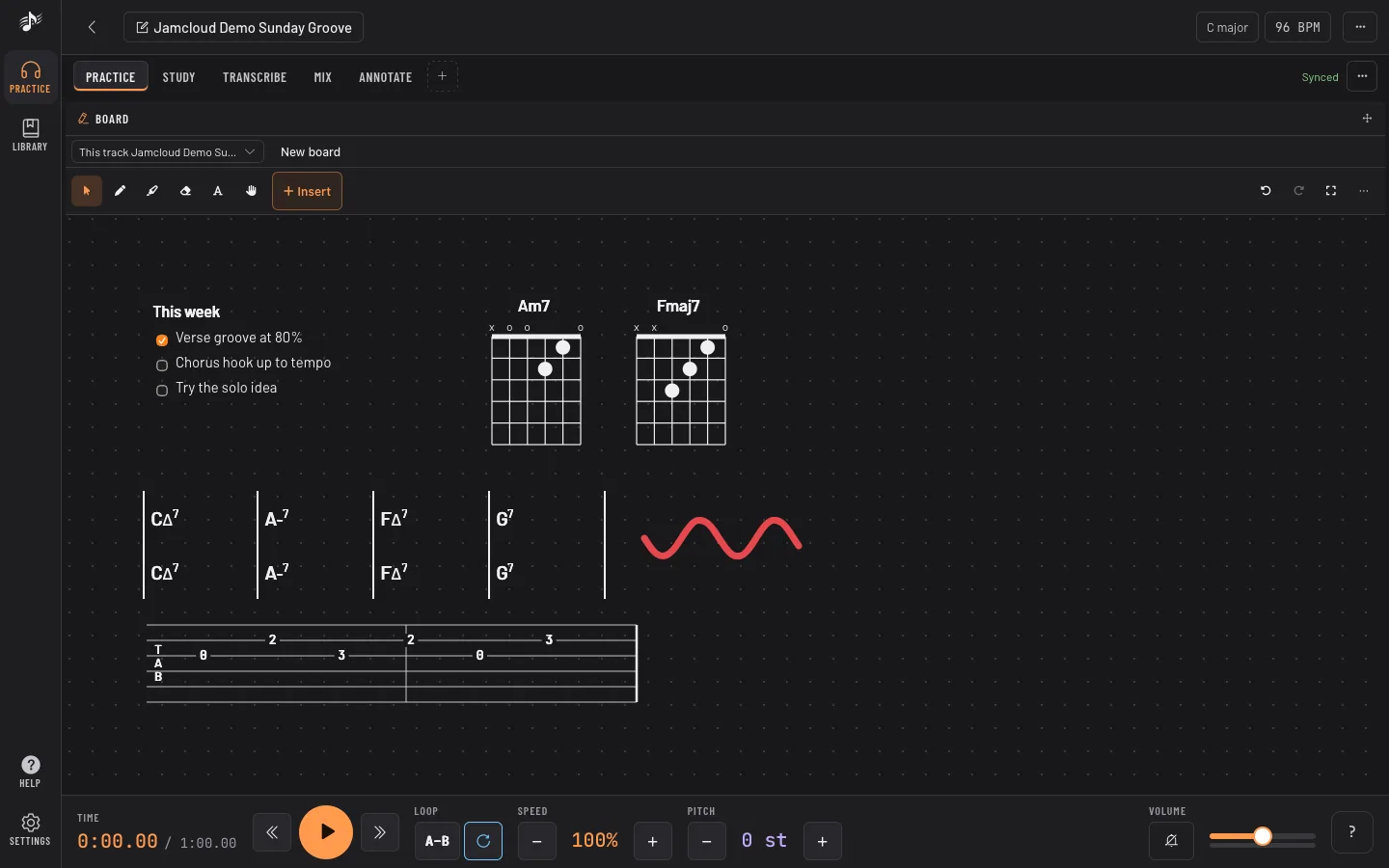
A private workspace for you, and one per band, class or project. Invite your teacher or your band with a code, revoke anytime.
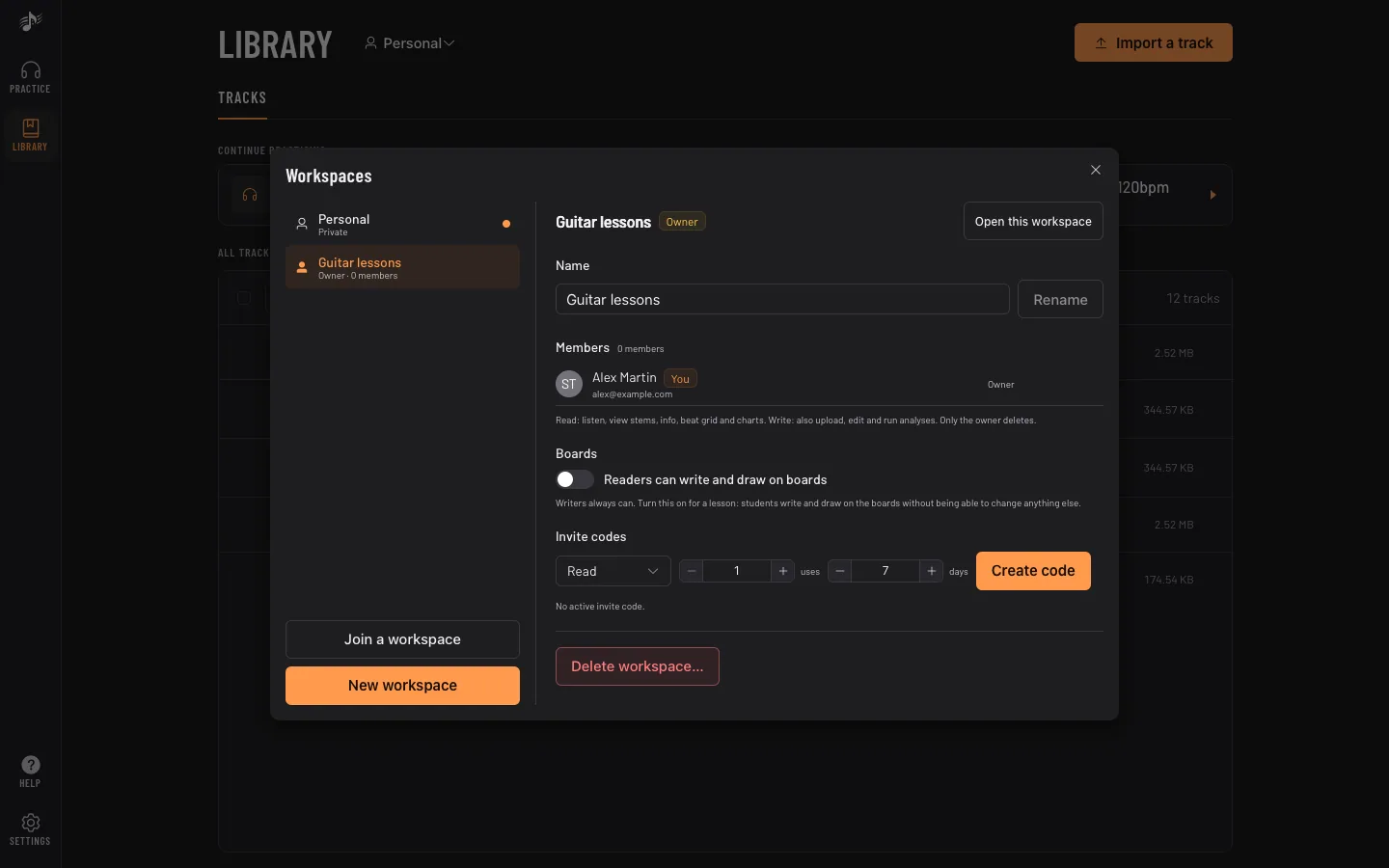
New accounts are by invitation for now. Got a code from your teacher, your band or a friend? Bring a song: slow it down, isolate it, write it down.